
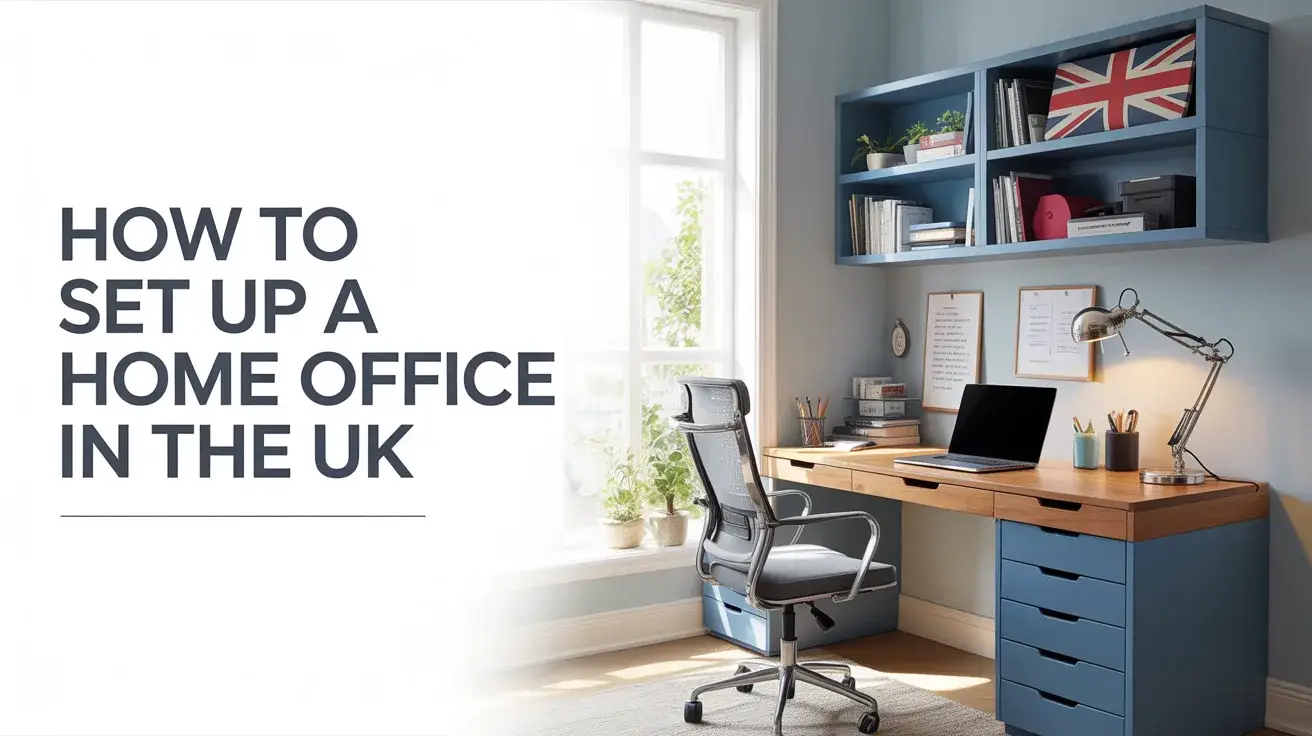
How to Set Up a Home Office in the UK: A Complete Guide for Freelancers (2026)
I still remember the day I cleared out my spare room, dragged in a wobbly IKEA desk, and called it my “home office.” My back hurt within a week, my internet kept dropping during client calls, and by Friday I was working from the sofa in my dressing gown. Not exactly the dream.
If you’re a freelancer in the UK just starting out — or you’ve been “making do” with a kitchen table for longer than you’d like to admit — this guide is for you. I’ve spent years refining my home office setup, wasted money on gear I didn’t need, and learned the hard way what actually matters. Let me save you that time.
Whether you’re a copywriter in Manchester, a web developer in Bristol, or a consultant in London working from a one-bed flat — this guide covers everything from the basics to the bits HMRC actually lets you claim back.
Step 1: Choose the Right Space (Even If It’s Tiny)
First things first — you need a dedicated space. I can’t stress this enough. Working from your bed or sofa might feel cosy, but your brain will never fully “switch on” to work mode, and it’ll struggle to switch off at the end of the day either.
Here’s the honest truth: you don’t need a whole room. Plenty of successful UK freelancers work from a corner of their living room or a converted wardrobe (yes, seriously — look up “cloffice” setups on Pinterest). What matters is that the space is:
- Yours and yours alone during work hours
- Well-lit — natural light ideally, but a good desk lamp does wonders
- Away from the loudest distractions in your home
- Consistent — your brain learns routines from physical spaces
Pro tip: If you live with others, a simple visual cue — like putting on headphones or closing a door — can signal “I’m in work mode.” It sounds small, but it genuinely helps.
Step 2: The Desk and Chair — Don’t Cheap Out Here
This is the area where I wish someone had given me better advice early on. I bought a £49 desk from Amazon and a “budget ergonomic chair” for £79. Six months later, I had chronic neck pain and ended up spending £350 on a proper chair anyway. Lesson learned.
Desks
For most UK freelancers, a solid desk between 120–140cm wide is the sweet spot. You don’t need anything fancy — but do check it’s sturdy and at the right height (your elbows should sit at roughly 90 degrees when typing).
Good options at different price points:
- Budget (under £100): IKEA Linnmon or Alex desk combination
- Mid-range (£150–£300): Flexispot or Autonomous standing desks — game changer for long work days
- Premium (£300+): Fully motorised sit-stand desks — worth it if you’re in this for the long haul
Chairs
Your chair is your most important investment, full stop. If you’re freelancing full-time, you’re sitting in it 6–8 hours a day. That’s more time than you spend in your bed.
- Budget: IKEA Markus (~£199) — genuinely decent for the price
- Mid-range: HAG Capisco or Secretlab Titan — popular with UK remote workers
- Premium: Herman Miller Aeron or Steelcase Leap — if you can stretch to it, you won’t regret it
Step 3: Sort Your Tech — The Non-Negotiables
As a freelancer, your tech is your toolkit. You don’t need the flashiest setup, but you do need reliable kit that doesn’t let you down on a client deadline.
Monitor
Even if you have a laptop, an external monitor makes a massive difference to your productivity. A 24–27 inch Full HD or 4K screen reduces eye strain and lets you have multiple windows open without constantly tab-switching. Budget around £150–£250 for a solid one from brands like LG, BenQ, or Dell.
Keyboard & Mouse
Wireless is the way to go — fewer cables, cleaner desk. Logitech’s MX Keys and MX Master 3 are the gold standard for freelancers who type a lot. They’re not cheap (around £180 for the combo), but they last for years.
Broadband — The One You Can’t Compromise On
In the UK, broadband quality varies wildly depending on where you live. If you’re in a city, you likely have access to full-fibre providers like Hyperoptic, Virgin Media, or Cityfibre — aim for at least 100Mbps download. If you’re in a rural area, look into 4G/5G home broadband from EE or Vodafone as a solid backup.
One thing that changed my setup completely? A powerline adapter. It runs your ethernet connection through your home’s electrical wiring — much more stable than Wi-Fi for video calls. You can pick one up for under £30.
Step 4: Lighting — The Most Underrated Part of Any Home Office
Let me be honest — I ignored lighting for the first two years of freelancing. Big mistake. Poor lighting doesn’t just strain your eyes; it affects your mood and energy levels throughout the day. And in the UK, where we get about 15 minutes of actual sunshine between October and March, this matters more than you’d think.
What works well:
- Natural light: Position your desk to face a window if possible — just avoid direct glare on your screen
- A quality desk lamp: Look for one with adjustable colour temperature (warm for evening, cool/white for focused work). The BenQ ScreenBar is excellent and sits on top of your monitor
- A ring light or key light: If you do video calls, a simple ring light (£30–£50 on Amazon) makes you look far more professional
Step 5: HMRC Tax Relief — Claim What You’re Owed
This is the bit that most freelancing guides skip over — but it’s genuinely important, especially if you’re self-employed in the UK.
As a self-employed freelancer, you can claim a portion of your home costs as a business expense, which reduces your tax bill. This includes:
- A flat rate of £6/week (£312/year) without needing receipts — simplest option
- Or a proportion of your actual bills (rent, electricity, internet) based on how many rooms you use for work and for how many hours
- Equipment like your desk, chair, monitor, and keyboard — fully deductible as capital allowances
- Your broadband bill — you can claim the business-use proportion
⚠️ Always consult an accountant or check the HMRC website directly for the most up-to-date guidance. Tax rules can change, and what applies to your situation depends on how you’re registered (sole trader vs. limited company).
Step 6: The Productivity Layer — Making It a Space You Actually Want to Work In
Here’s something nobody tells you: a home office isn’t just about equipment. It’s about creating an environment that signals your brain that it’s time to focus. After years of trial and error, here’s what genuinely moves the needle:
Cable management: Sounds trivial, but a tidy desk genuinely reduces mental clutter. A few cable clips from Amazon (under £10) make a surprising difference.
A plant or two: Research consistently shows that greenery improves mood and focus. A snake plant or pothos is practically indestructible and thrives in most UK light conditions.
Noise management: If you’re in a noisy area, a decent pair of noise-cancelling headphones is worth every penny. Sony WH-1000XM5 or Bose QuietComfort 45 are the two I’d recommend to any UK freelancer.
A physical notebook: I know, I know — we’re freelancers in 2026. But keeping a notebook next to my keyboard for quick thoughts, to-do lists, and client notes has been one of my best productivity habits. No app beats the speed of pen and paper for a brain dump.
Your Home Office Setup Checklist (UK Freelancer Edition)
Here’s a quick reference to make sure you haven’t missed anything:
- ✅ Dedicated workspace, even if small
- ✅ Proper desk at the right height (120cm+ wide recommended)
- ✅ Ergonomic chair — budget at least £150
- ✅ External monitor (24–27 inch)
- ✅ Wireless keyboard and mouse
- ✅ Stable broadband (100Mbps+ if possible) with wired connection option
- ✅ Good lighting — desk lamp with colour temperature control
- ✅ Noise-cancelling headphones if needed
- ✅ HMRC expenses registered and tracked from day one
- ✅ A space that feels calm, tidy, and yours
Final Thoughts: How to Set Up a Home Office in the UK
Setting up a home office properly is one of the best investments you can make in your freelancing career. It’s not about having the most expensive gear — it’s about creating a space that works for you, protects your body, and keeps you focused during the hours that matter.
Start with the basics — a good chair, a decent desk, reliable internet — and build from there. Your future self, the one with zero back pain and a full client roster, will thank you for it.
Got questions about a specific part of your setup? Drop them in the comments — I read every single one.